
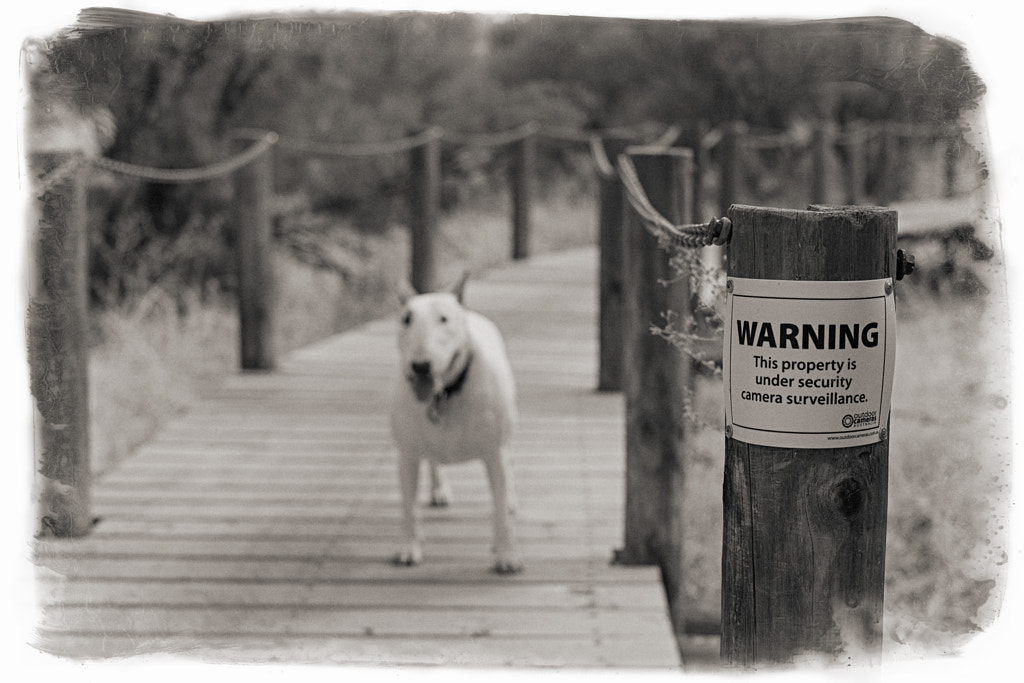
I’ve had a tremendous change in my workflow of late. Initially when I trained in photography at college we taught to do all our processing in Adobe Photoshop. I think version 4 was the then current one. By the time I started lecturing in photography at the same college things had moved on considerably. Photoshop was no longer the main emphasis, although still taught. The new kid on the block was Lightroom and that is what we focused on. It provided important digital asset management (DAM) as well as allowed a certain amount of non destructive photo processing. Over time its features became more powerful and I rarely opened up Photoshop. Of late I have become dissatisfied with Adobe. One of the main things that started this malaise was Adobe shift away from perpetual licences to “rent ware” or monthly subscriptions. Initially I went along with this, but it seemed that there were a lot of bugs in the software and I spent a lot of time on the phone to Adobe trying to fix niggling little problems. It was almost as if now because they had a cannula into our wallets there was no incentive to do any quality control on their products. So I stopped my subscription and went back to using Lightroom 6 and Photoshop CS5 vowing to find an alternative to Adobe products. Well I’ve now settled on one!!! It is Alienskin Exposure. I’ve just upgraded to version 4 and am really happy with it. The above photo was processed using Exposure and I’m now using it every day. In fact the photos I’ve submitted for my latest book were all processed with it as well. If you’re in the market for new photo processing software what not give it a burl.
Adobe Photoshop CS5
Before and After
I’m going to preface this entry with the statement that most post processing is a matter of personal taste and that there are a hundred and one different ways of editing an image in Photoshop to get the same result. If this doesn’t appeal to you, or I do things differently to you it doesn’t mean I’m right and you’re wrong, nor does it mean you’re right and I’m wrong.
I have posted this because I got a lot enquiries about how I make my images and whether the colours captured are real or not. So the image below is a straight jpg conversion of the RAW file that came off my memory card. All I’ve done is reduce the size and convert to sRGB. The original exposure was made on an Olympus Pen EP-5 with OLYMPUS M.12-50mm F3.5-6.3 lens. A Cokin 2 stop soft graduated neutral density filter was used to hold back the sky. Exposure: 3.2 s at f/11.0 ISO 200 in manual exposure mode.

The video below shows how I work on the file in Adobe Lightroom 5.7 , Adobe Photoshop CS5.04, Alien Skin Exposure 3, Nik Soft’s Dfine 2 and Color Efex Pro 4. I use these products because I like them and have paid for them with my own money.
The finished image.

Clicking on the image will take you through to my gallery. I hope that you found this helpful.
Out Walking The Dog

Nothing of earth shattering importance this week. I took the faithful hound up to Rosny Hill for a walk. It was a beautiful saturday afternoon, and the track was quiet enough so she could run off the lead. All I had to do was just walk and look. I had my Panasonic LX5 with me so I just took some quick and dirty HDR panoramas.

When I got home I just dropped them into Adobe Lightroom. First I did the HDR conversions using HDR Efex Pro2, and then I did the panoramic stitching in Photoshop CS5. Nothing complicated, just a few minutes on each.

The dog enjoyed herself, I could tell for when we got home she went to bed. As the great canine philosopher, Snoopy, said “A tired puppy is a happy puppy”.
You must be logged in to post a comment.