Which One Is Best?


This is the second part of an ongoing series called “Birds On A Budget”. It really should be “Can You Do Wildlife Photography On A Limited Budget?”, but that’s not as catchy or succinct.


TLDR


When looking for secondhand cheaper alternatives for wildlife photography it is all too easy to get preoccupied with specifications sheets without looking at the whole picture. It can mean that just because Camera X does have a specific feature that Camera Y has then it must be inferior. Well let’s look at an example. 


Sony A6500


The cameras I’ve chosen to look at are the Canon EOS 80d and the Sony A6500. Both were introduced in 2016, both have 24Mp sensors, and both can be found second hand for about the same price. The 80d is a DSLR and is probably considered retro-tech now and the A6500 being mirrorless is seen as the more up to date technology. Let’s see how the specs compare.


Sony A6500 Canon EOS 80d
Introduced December 2016 February 2016
Resolution 24 Megapixels 24 Megapixels
Camera type Mirrorless interchangeable lens camera DSLR
Sensor size APSC (23.5 x 15.6mm) APSC (22.5 x 15mm)
In Body Image Stabilisation Yes No
ISO range 100-256,000 which can be extended to 512,000 100-16,000 which can be extended to 25,600
Dynamic Range 13.67 EV 13.17 EV
Autofocus
  • 425 AF points covering the whole sensor.
  • On sensor phase detect AF supplemented with contrast detect AF.
  • Multi area, centre zone and single point modes.
  • Tracking
  • Single AF
  • Continuous AF
  • Face detection
  • Live view
  • 45 AF points clumped in the centre of the frame when using the optical viewfinder
  • Phase detect AF
  • Multi area, centre zone and single point modes
  • Tracking
  • Single AF
  • Continuous AF
  • Face detect in live view only
  • Live view AF with ‘Dual Pixel CMOS AF’ which means every pixel can be used for phase detect auto focus
Rear LCD panel Tilting 3 inch touch screen with 921,600 dots Fully articulating 3 inch touch screen with 1,040,000 dots
Viewfinder Electronic viewfinder with 100% coverage with 1.07 magnification (0.71 x 35mm) and 2,359,296 dots. Optical viewfinder with 100% coverage at 0.95 magnification.
Shutter speed range 30 sec – 1/4000 sec 30 sec – 1/8000 sec plus ‘B’
Built in flash Yes Yes
Flash synchronisation speed 1/160 sec 1/250 sec
Frames per second 11 frames per second in both mechanical and electronic shutter modes with no live view and 8 fps with live view. 7 frames per second using the optical viewfinder and 2.4 fps when using live view.
Buffer
  • 100 frames in RAW or RAW + jpg
  • 300 frames in jpg only 
When using the optical viewfinder:

  • Unlimited frames at 7fps in jpg
  • 24 frames in RAW
  • 20 frames  in RAW and jpg

When using live view:

  • Unlimited in jpg
  • Unlimited in RAW
  • 36 images in RAW + jpg
Metering modes
  • Multi-zone
  • Centre weighted
  • Spot
  • Highlight weighted
  • Multi-zone
  • Centre weighted
  • Spot
Video Available codecs AVCHD, XAVCS, H264, MP4

  • 4K (3840 x 2160) 30p, 25p, 24p
  • HD (1920 x 1080) 120p, 100p, 60p, 50p, 30p, 25p, 24p
Available codecs MPEG-4, H264 with a choice of all I or IPB

  • HD (1920 x 1080) 60p, 50p, 30p, 25p, 24p
Storage SD card (UHS-1) SD card (UHS-1)
Connectivity
  • USB 2.0 (480 Mbit/sec)
  • 3.5mm microphone port
  • Micro HDMI
  • WiFi – 802.11b/g/n + NFC
  • Remote control via a smartphone
  • Tethered shooting to a computer
  • USB 2.0 (480 Mbit/sec)
  • 3.5mm microphone port
  • 3.5mm headphone port
  • 802.11/b/g/n with NFC
  • Wired remote control
  • Remote control via a smart phone
  • Tethered shooting to a computer
Battery NP-FW50 battery with CIPA rating of 350 LP-E6N battery with a CIPA rating of 960
Weather sealing Yes Yes
Construction Magnesium alloy Composite construction with an alloy chassis with plastic shell
Weight 453g 730g
Dimensions 120 x 67 x 53mm 139 x 105 x 79mm
Other functions Inbuilt Timelapse function

On the whole the Sony seems the better camera as it has an electronic viewfinder that provides realtime exposure feedback, better video capabilities, better ISO range, better dynamic range and In Body Image Stabilisation (IBIS)  all in a smaller and lighter package.


Sony A6500 real world usage


Sony A6500


The A6500 body is not overly small, but the button and dial placements leave a little to be desired. There are twin control dials but they are both on the rear of the camera meaning your thumb has to do double duty. To me the lack of a front dial around or near to the shutter button is a big handicap. Now when it comes to using Sony cameras this is not my first rodeo. I have an A7r and A7r ii so I am quite familiar with the idiosyncrasies of the menu system. But, having said that I still find them labyrinthine and illogically laid out and the paucity of physical buttons and dials means that menu diving on the A6500 is quite frequent.


Sony A6500


There is only one SD slot on the A6500 and although I prefer 2 slots it is not a big consideration. The SD card slot is located in the battery compartment and this is major pain. Even when shooting handheld it is fiddly to change cards and shooting on a tripod makes it downright frustrating. Often I find myself having to take the battery out to access the SD card. Speaking of the the battery compartment the battery in itself is hopeless. If I go out for the day shooting photos then I have to take 2 spares and if I intend to shoot any video I take at least 4. Luckily they are readily available and reasonably priced. 


Sony A6500

The LCD EVF on the left side of the body is good – for its time it is nice and detailed while being responsive. The rear LCD is of the flip up variety. I prefer the fully articulated type but it’s no big deal and I can work with both. The quality of the screen is abysmal – it is very hard to see in bright sunshine and it becomes very dim when shooting 4K video making it all but useless. Sony claims it is a touch screen but it is very limited in function. It can only be used for selecting AF points and nothing else and the implementation of that is pretty poor as it is laggy when working well and down right unresponsive when it isn’t. I’ve been in situations  where I’m repeatedly touching the screen and the focus point is not moving meaning I’ve lost the shot.

Speaking of autofocus it works very well. Having AF points spread over the whole sensor is great which means you can really concentrate on composition. The AF is very quick and locks on moving subjects. Another nice feature is that you can link spot metering to the active AF point. The electronic shutter is another feature that I really like and although the rolling shutter is quite pronounced when shooting moving subjects I like to use it with shy wildlife as it means I won’t disturb it. In Body Image Stabilisation (IBIS) is fantastic. While not as good as that on other cameras I’ve used (Olympus and Panasonic) it works well and is very welcome when shooting handheld video.


ISO Comparison


ISO Comparison


ISO Comparison


ISO Comparison


ISO Comparison


ISO Comparison


Image quality is impressive. Shooting RAW the files are very malleable in processing as long as you get your exposure right. The high ISO performance is quite impressive and the dynamic range is such that I don’t feel the need to blend exposures to get details in the shadows and highlights when shooting scenes with a high subject brightness range. When shooting video the story is a little complicated. The 4K is nice and detailed and looks very good, but it is only 8-bit and so can’t be pushed too much in post. The provision of flat profiles  SLOG 2 and 3 is good to have when shooting contrasty scenes outside. Shooting HD the footage is softer and doesn’t look so good. It’s OK but I prefer to shoot 4k and downsize to HD on export. Focus peaking, zebras, and a live histogram are features that make shooting video easier and it is good to see them on the A6500.


Sony A6500


All these points are well documented so why did I get the A6500? Well I’d switched from Canon full frame cameras to a Sony A7r ii a couple of years ago and I’ve really enjoyed the whole experience. Initially I was using adapted lenses but gradually I switched over to native Sony EF mount lenses with the exception of my 150-600mm. Just for giggles I started doing some bird photography with the A7r ii and I found myself using the crop mode a lot which gave me a 15 Mp image. After 18 months of doing this I thought well why not get a second hand A6500 and have a quicker camera that has electronic shutter and more importantly has 24 Mp. I was also toying with the idea of shooting more wildlife video and the A6500 fit the bill for that as well. Overall I persevere with the A6500 because I like the final image, but it is a real effort as I just find the camera so awkward to use.


 

Nidoolyorong by Paul Amyes on 500px.com
Nidoolyorong or Black-fronted Dotterel (Elseyornis melanops). Monger’s Crossing, York, Western Australia. Sony A6500 with Sigma MC-11 and Sigma 150-600mm f5-6.3 OS lens.


Ngowonan by Paul Amyes on 500px.com
Pacific Black Duck (Anas superciliosa) duckling. Avon River, York, Western Australia. Sony Alpha a6500, Sigma MC-11, Sigma 150-600mm f/5-6.3 DG OS HSM Contemporary.


Time For Bed by Paul Amyes on 500px.com
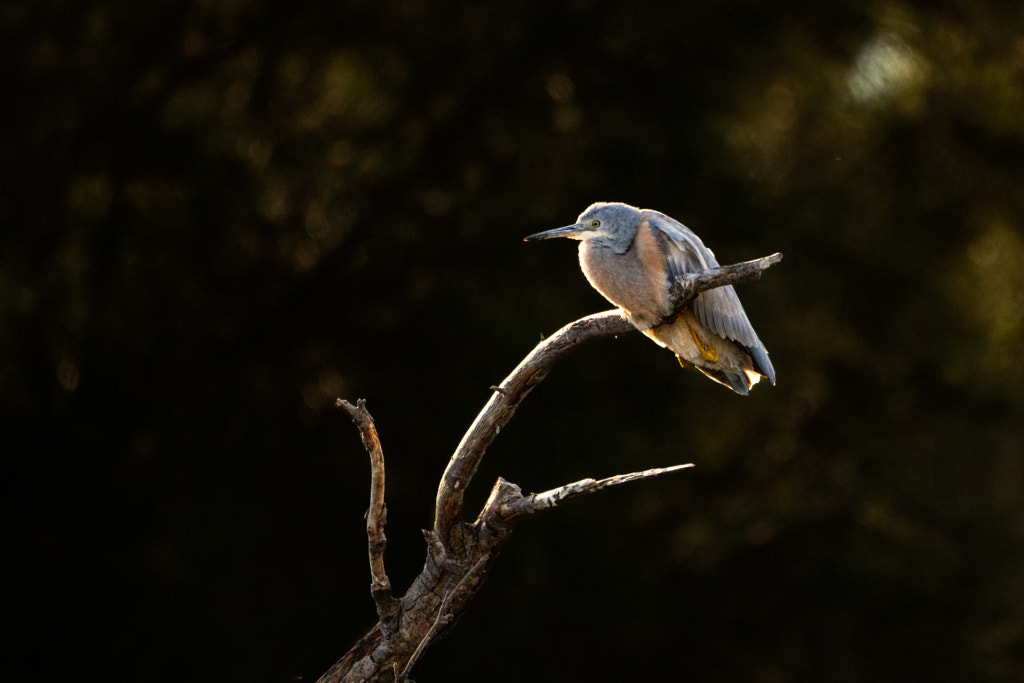
A juvenille White-faced Heron (Ardea novaehollandiae) roosting in a dead sheaoak tree. Monger’s Crossing, York, Western Australia. Sony A6500, Sigma MC-11 and Sigma 150-600mm f5-6.3 OS lens.


Canon EOS 80d real world use


Canon EOS 80d


During the later part of the Film Age (1822 to 2000) I used Olympus OM4s, but by 2003 I could no longer get them repaired and my father-in-law generously gave me a Canon EOS3 SLR. Whenever I pick up any Canon camera from the EOS 650 introduced in 1987 to the Canon EOS 5d iv introduced in 2016 I feel immediately familiar with the control layout, the handling and the operation of the camera. Canon, for all their faults, of which there are many, has always produced well sorted nice handling cameras. The 80d is no different. The camera fits perfectly in the hand, the buttons and dials are well laid out and intuitive to use. This attention to the user experience extends to the camera menus which are simply and logically laid out.


Canon EOS 80d


Like the Sony A6500 there is only one card slot, but it is positioned on the side of the handgrip behind its own door. It is easy to access under all scenarios. The battery is the venerable Canon LP-E6 and it lasts forever. Sure this is partly down to the fact that SLRs draw less power than mirrorless cameras, however, it is also gutsier at 7.2V, 1800mAh and 13Wh compared to 7.4V, 1080mAh and 7.3Wh of the Sony NP-FW50 which is in the A6500. The upside of this is that I’ve rarely used more than one battery for a full day of shooting.


Canon EOS 80d


The optical viewfinder is nice and large and clear. Although I now prefer EVFs because of the realtime exposure feedback the 80ds viewfinder is very pleasant to use. The rear LCD screen is of the fully articulated flippy flappy type which I really like not just for shooting video but also for shooting landscapes and macro in the vertical orientation.The screen has a teensy-weeny bit more resolution than the A6500s, but more importantly it is bright and clear when using in bright sunlight. It is also a touchscreen  – you can control the camera, go through the menus and review images with it. While there is no joystick to select autofocus points you can use the screen to do this and it is responsive. While we’re talking about autofocus it helps to view it as two cameras in one body. Using it as a SLR with the optical viewfinder the 45 AF points are all centrally grouped. If when composing an image your subject is outside of that area then you have to focus and recompose. The autofocus is quick and with a well calibrated lens very accurate. When using the rear LCD screen in “Live View” the performance is like a mirrorless camera with every pixel on the sensor doing double duty as an AF point. The 80d has face detection that works well. Although how responsive this is will depend on the lens – those with STM motors work the best. I did consider just using the camera in the live view mode but there is a significant performance hit with the maximum frames per second of 7 reduces to 2.4. I also find it hard to track birds using the rear screen and a super telephoto lens. Another much missed feature is In Body Image Stabilisation so you have to depend upon the IS in the lens if it has it.

The image quality is good – a real leap up from the 18Mp sensor that Canon seemingly used forever. But with that said it is not as good as that in the A6500. The dynamic range of the Canon 80d is 13.17EV as opposed to the 13.67EV  of the Sony as measured by DXO. The amount is paltry and in real life terms negligible. If we look at ISO performance and particularly noise then both cameras are fairly equal up to ISO 800. At 1600 the A6500 is about a stop better and at 3200 is 1 1/2 stops better. The highest maximum native ISO on the 80d is 16,000 and this can be extended to 25,600. The A6500 tops out natively at 256,000 which can be extended by a stop to 512,000. In reality the highest ISOs on both cameras aren’t much chop, on the 80d the furthest I’d go is 6400 and the A6500 can be used up to 12800. But having said this I am using Topaz DeNoise AI to clean the images up. Your tolerances to noise maybe a lot lower than mine. If you shoot RAW colour output is pretty much the same, you should be able to get the results you want in post. Shooting jpgs well if you like punchy reds and warmer looking images then you’ll prefer the Canon. For video the lack of 4k can be seen as a major drawback. I shoot 4k and then in post will often crop in because I’ll output the final file as HD. The HD video on the 80d is an improvement on the previous 18 and 20Mp sensors that Canon used. It is also better than the HD from the Sony. There is no flat profile on the camera, but I solved that by installing the Cinestyle Profile from Technicolor and I am getting great results. The video output is again 8-bit so can’t be pushed around too much in post.

When shooting video the lack of an EVF is a bit of hindrance, but, thankfully the rear LCD screen is of high quality. The touch screen implementation makes operating the camera a doddle. Another feature I really like is the ability to create a ‘My Menu’ spread over three pages and I’ve made one of the pages dedicated to video. The AF in video works much better than I expected but again this is really lens dependent. While it is quick to acquire and initially lock on it does have the annoying tendency to drift off the subject and onto the background. You need to keep taping the touch screen to maintain focus on the subject. Unfortunately Canon doesn’t provide any focus peaking for help with manual focusing and no zebras to warn about clipping. Also Canon’s pre-amps are not the best.

I bought the Canon EOS 80d with the sole intention of testing cameras at various price points to see how they’d fare for nature and wildlife photography. I fully intended to sell the camera once I’d finished with it. Now having used it for several months it has become one of my favourite cameras (my favourite being the Olympus EM 1 mk ii). The 80d is such a well thought out camera that it is above all fun to use to use. No it’s not a hybrid camera as the video implementation doesn’t perform well enough, but it is certainly an excellent tool for the photographer on a budget. It has certainly piqued my interest in the 90d which addresses some of the limitations of the 80d.
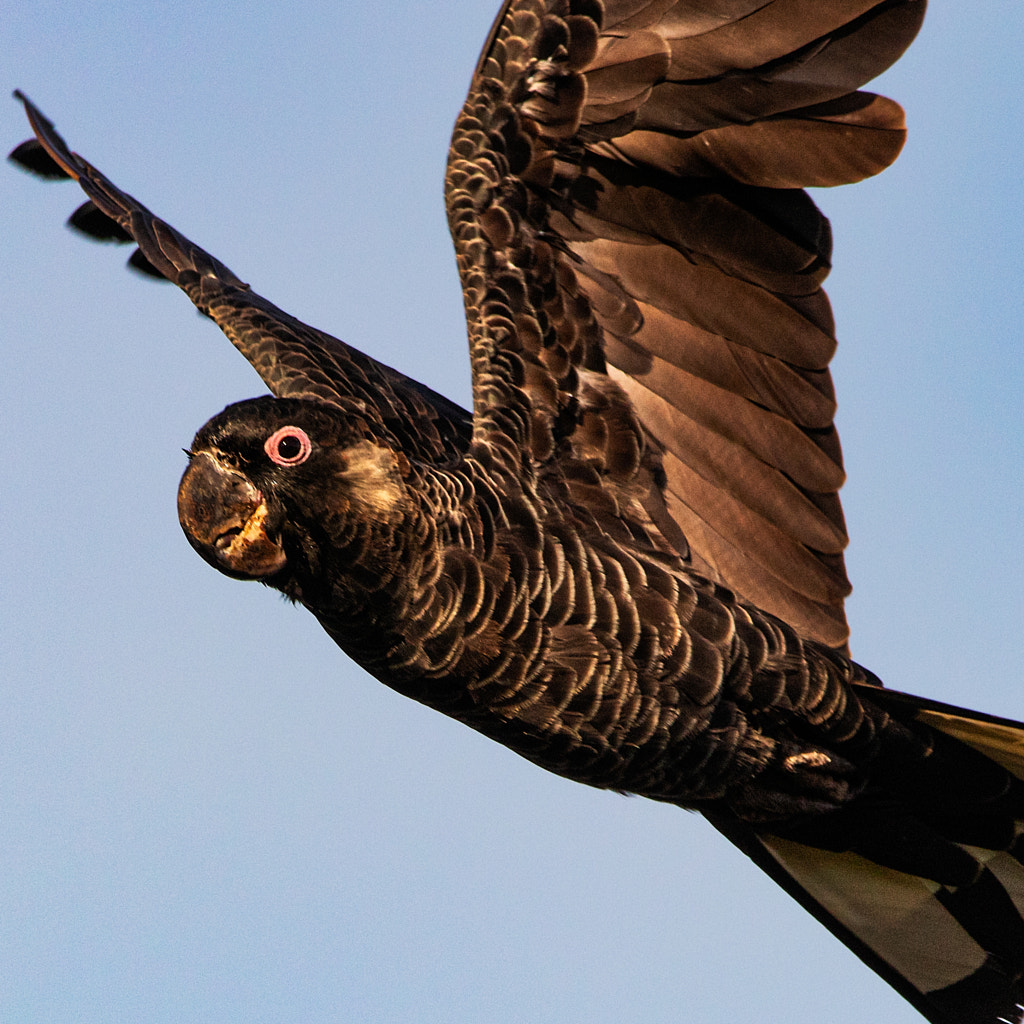
 

Ngoolyak by Paul Amyes on 500px.com
Ngoolyak or Carnaby’s Black-cockatoo (Calyptorhynchus latirostris). Yanchep National Park, Western Australia. Canon 80d with Sigma 150-600mm f5-6.3 OS lens.


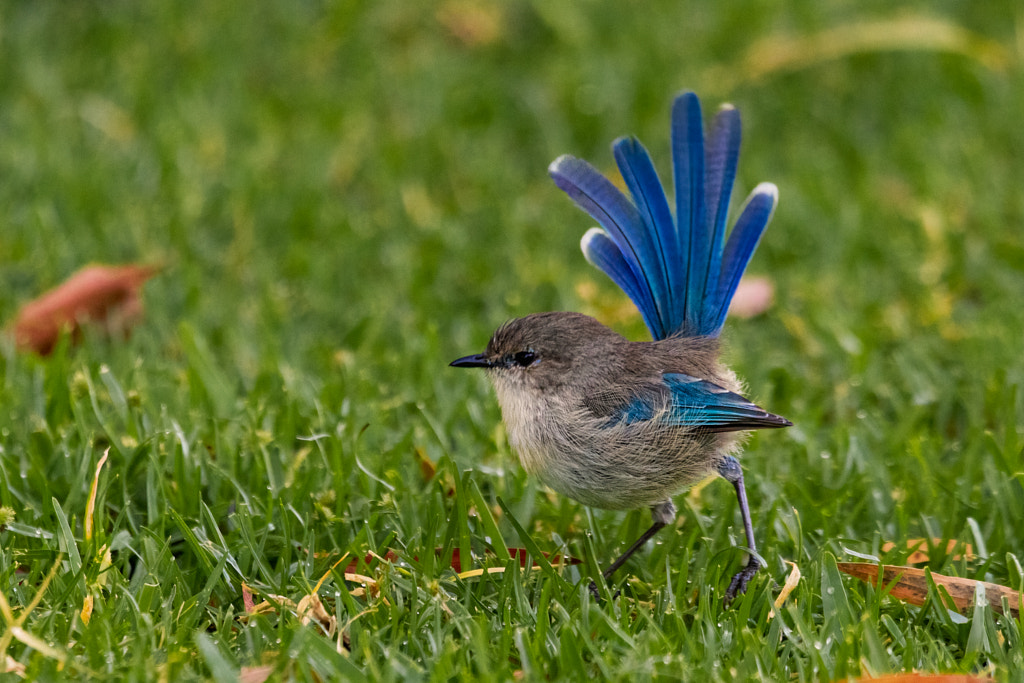
Djer-djer by Paul Amyes on 500px.com
Djer-djer or Splendid Fairy-wren (Malurus splendens). Yanchep National Park, Western Australia. Canon 80d with Sigma 150-600mm f5-6.3 OS lens.


Yongka by Paul Amyes on 500px.com
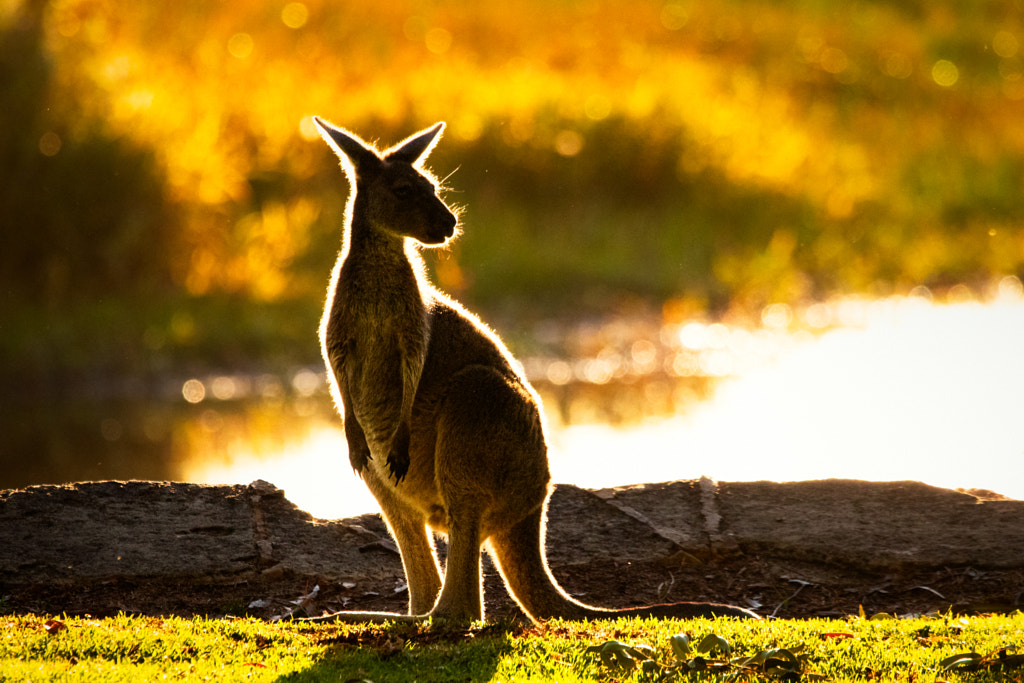
Yongka or Western-grey Kangaroo(Macropus fuliginosus). Yanchep National Park, Western Australia.


Ngalkaning by Paul Amyes on 500px.com
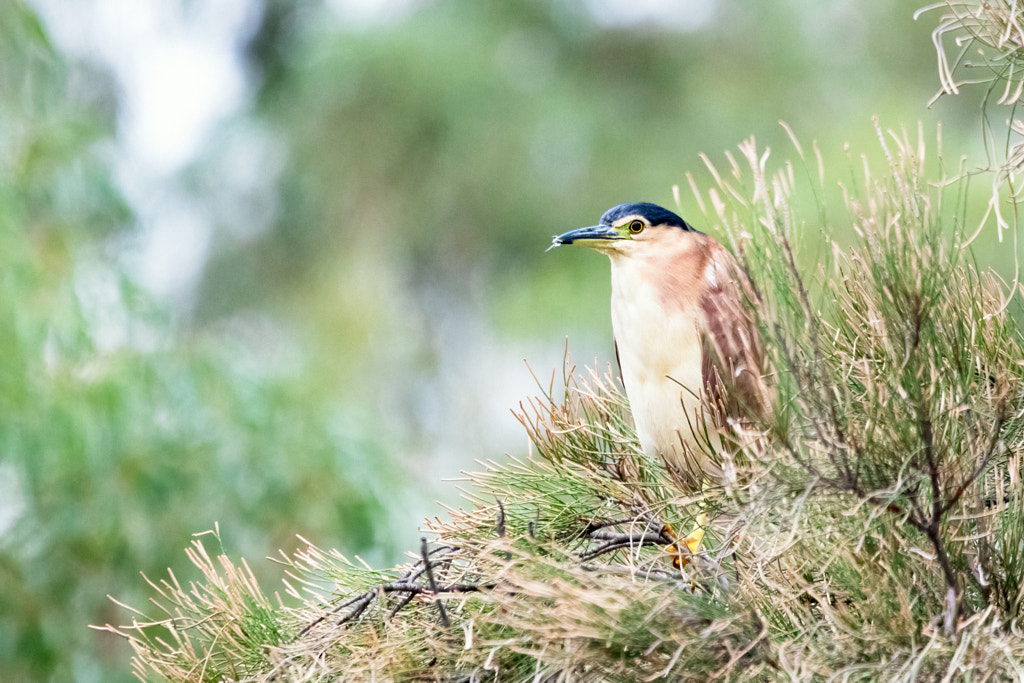
Ngalkaning or Nankeen Night Heron (Nycticorax caledonicus subsp mannillenis). York, Western Australia.


Conclusion

The thing that became very apparent when using both of these cameras is that user experience plays an important part. Canon and Sony have very different design philosophies. Sony is more a technology company and looks to throw as much technology into a product without any consideration of the users experience when using it. Canon take a conservative approach to technology – nothing cutting edge – and look to bundle it in a product that is pleasant to use and reliable. Both cameras are very suitable for nature and wildlife photography, but the user experience is very different. The technology of the A6500 is negated by poor design and handling. I feel I’m fighting the A6500 every inch of the way to get it to work and that is miserable. The 80d overcomes its shortcomings by being a joy to use – it disappears allowing me to concentrate on photography. Unfortunately when it comes to wildlife videography both are wanting. The Canon needs more technology in the form of 4k video, focus peaking and waveforms. The A6500 needs a better touchscreen, a better rear LCD panel and better menus to make it more useful.

So when buying a camera, whether it be new or second hand, while the specification sheet maybe useful as a guide I think more attention should be given to the ergonomics. What does it feel like in the hand? What’s it feel like to use? These are the questions that need to be addressed rather than how many megapixels or how much dynamic range.

Adapt Or…

…go with out.

Lately I’ve been reading a lot of how photography has become really expensive. Sony released the A1 at $10,000 AUD, Canon are due to release the R3 at the same amount. As for lenses well the latest fast primes are priced in the stratosphere. But here’s the news – photography is very expensive if you treat it as technological proliferation. If you insist on having the latest and greatest you are going to have to pay. But do you really need the latest and greatest? Do you honestly need 30 fps shutter speed? 8K video? 4K 10 bit 4:2:2 video at 120fps? Fifteen stop dynamic range? Only you can say what you need, but I’m guessing that like 90% of photography enthusiasts you don’t. I know I don’t. Let’s face it the greatest photos of the Twentieth Century were taken with basic equipment. The vast majority on cameras that didn’t have autofocus or built in metering.


The back bone of my professional kit has been full frame Canon DSLRs since the launch of the original Canon 5d in 2005. Here is my 6d with my lenses.


Maybe you’re a bit like me. You’ve been doing the photography thing for quite a while. You were a happy SLR user in the days of film and when the digital revolution took place you patiently waited for the affordable DSLRs to arrive on the market and you made the switch. You bought into a system, acquired some nice lenses and upgraded the camera body as needed. But now something has come along that threatens that. That something is the advent of the mirrorless camera. These new wonder cameras are technological marvels with their WYSIWYG viewfinders and their information overlays, the incredible image stabilisation systems, the convergence with video, and the list of features goes on and on. The fly in the ointment is that to achieve this the manufacturers abandoned their lens mounts and developed new ones that could take advantage of the lack of the mirror box. This is where the expense comes in because to make the switch you have to spend big on not only a new camera body but also on new lenses. When I went digital I went Canon and over the years I ended up with a modest kit based around an EOS 6d, a 24-70 f4, a 70-200 f2.8, a 100mm f2.8 macro, a 50mm f1.8, and a Sigma 150-600mm. To get the equivalent kit based around an R6 body would cost me a few dollars under $20,000. That is a phenomenal amount of money. My wallet puckers up just thinking about it. So I looked at the more wallet friendly option of the R6, a Canon EOS-R Mount Adapter to adapt my EF lenses to the new RF mount, and a Canon RF 50mm f1.8 STM as my old 50mm f1.8 wouldn’t cope with CAF needed for video. The damage would be just under $5000 which while more wallet friendly was still more than I really wanted to spend. The other problem is that the  Canon EOS-R Mount Adapter is currently back ordered here in Australia at the time of writing with no word on when stock would become available. Bugger!


The Olympus OMD EM1 mk ii with the Olympus m.Zuiko 60mm f2.8 macro lens.


Time to reappraise the problem. As regular readers will know I went mirrorless about ten years ago with the Micro Four Thirds system and this is what does the bulk of my work. But I wanted a larger sensor and higher resolution for certain situations. A bit like when I was running Canon  35mm SLRs in conjunction with a Pentax 645n II. So m43 gives enough quality for about 80% of my needs. I wanted auto focus, 5-6 fps frame rate, in body image stabilisation, 4K video , and of course full frame. So the Canon R and RP were  immediately excluded. Then it occurred to me that if I was going to have to adapt my Canon glass to use on an R series camera why not consider adapting them to another make such as Sony. Now again regular readers will be aware that I acquired a Sony A7r with which to use my old collection of manual focus Olympus OM mount and Voigtländer M mount lenses. So perhaps going Sony was the solution. From what I read the Sony A7r was not a suitable candidate for this because of its contrast based auto focus so it was going to have to be 2nd generation cameras or later. New prices were still out of my league, but secondhand looked promising. I also found that the secondhand prices on the Metabones Canon EF to Sony E-mount T Smart Adapter (Mark V) and the Sigma MC-11  EF-Mount Lenses to Sony E mount were less than half the price of new. To keep within my $2000 AUD budget I decided to go for a Sony A7r II as I wouldn’t need to buy extra batteries as I already had loads for my A7r. So it was just a case of searching and eventually I came up trumps and found an A7r II with less than 50 shutter actuations, a Sigma and a Metabones adapter that kept me within my budget.


The Olympus OM Zuiko 35mm f2 mounted on a Sony A7r.


So did this end up a workable solution? Well I’m not going to review the A7r II as that has been done to death on the internet. But, suffice to say it gave everything I was looking for in a full frame mirrorless camera. The next two parts will look at how well the adapters worked with my lenses and the A7r II.


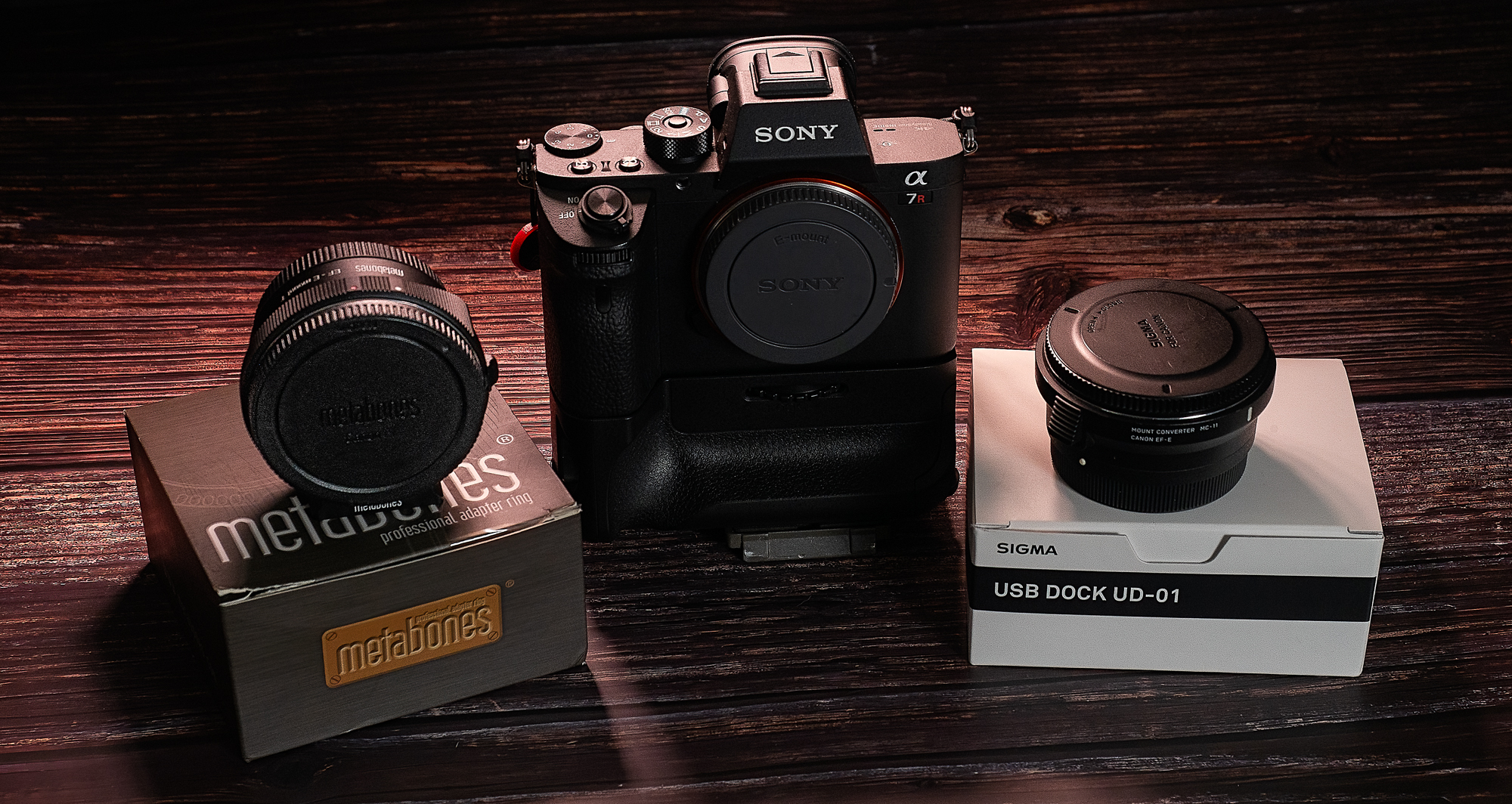
The Sony A7rii with the Sigma MC-11 and Metabobes V EF to FE lens adapters.


Mount your Canon EF lenses to your Sony A7rii using the Metabones V Smart Adapter.


Will the Sony A7rii work well with my Canon lenses? Is it time to say “Adios EOS”?

Three Lenses

This post came about as a response to post on a Google+ group I belong to. The post contained a link to an article at the website Olympus Passion by Chris Corradino (whom I don’t know) called “Full Frame vs Micro 4-3 Revisited with Pro Olympus Lens” where a canon EOS 6d with 17-40mm f4 L lens was compared with an Olympus OMD EM10 with 12-40mm f2.8 Pro lens. Nothing wrong with that, it serves as a potentially useful comparison of two popular cameras and lenses. In the article he posts two pictures of the same scene taken around a year apart, one used a polarizing filter one didn’t and the Canon 17-40L is not the best lens in the line up, and comparing a wide-angle zoom to a standard zoom doesn’t really tell anything. Also Olympus uses in camera software correction of its lenses to the RAW files whereas the Canon doesn’t and one has to manually apply correction when processing in Lightroom or ACR. So I thought about it and decided to do my own test. Now before I start I’d like to say that testing zoom lenses is fraught with difficulty and the reason why is very ably demonstrated by Roger Cicala’s excellent article “Painting Zoom Lenses with a Broad Brush – Roger’s Law of Wide Zoom Relativity” which is enough to make any sane person throw up their hands in horror at the enormity of it all.


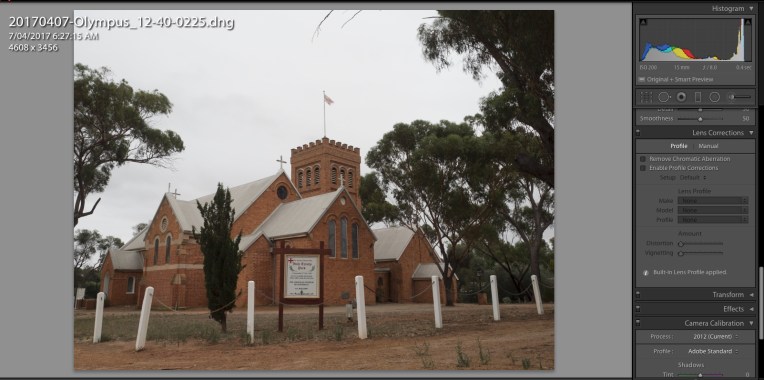
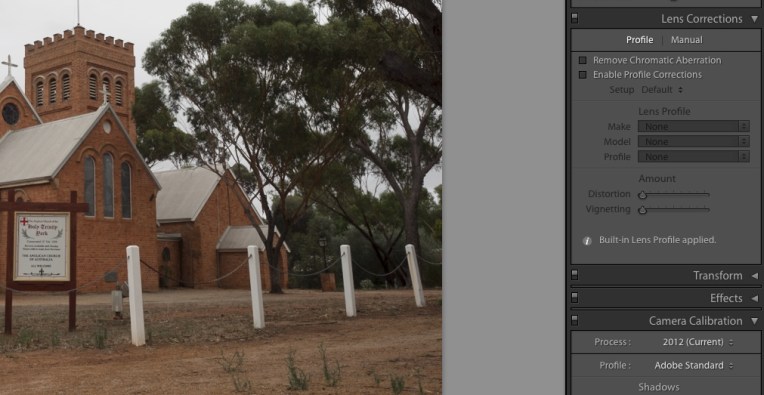
The file from the EM1 with the Olympus 12-40mm f2.8 opened in Lightroom.


If we look at the lens correction box it shows that a built in lens profile has been applied.


I’m not really the scientific type, but I know that to make any form of comparison you have to compare like with like and remove all variables. The cameras and lenses tested were as follows:

  • Olympus OMD EM1 mki with Olympus m.Zuiko 12-40mm f2.8 pro
  • Canon EOS6d with Canon EF 24-70mm f4 IS L
  • Sony A7r with Sony FE 28-70 f3.5-5.6 OSS

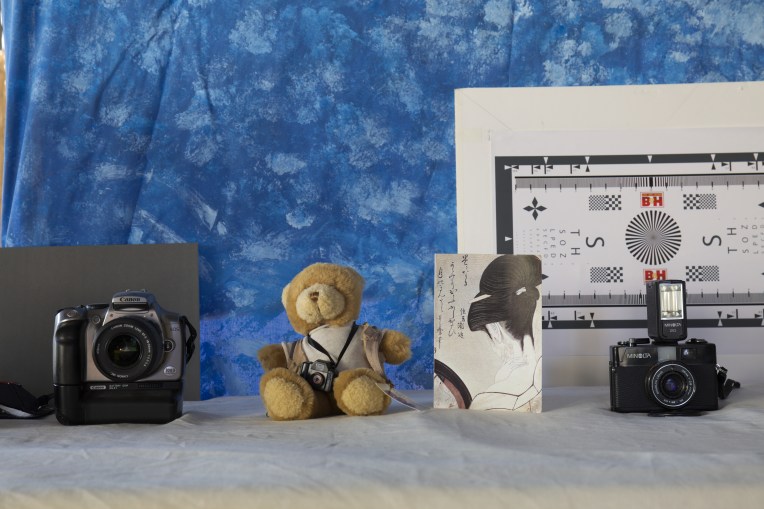
Why three cameras and three lenses, well mainly a case of why not, but also I wanted to see how a budget kit lens performed against the two “pro” lenses, and I was using it as a control as I had previously looked at it. Each lens was shot at the wide end and the long end, with the wide end an architectural shot to look at how the lens behaved at infinity and close-ups at the long end.


Holy Trinity York provided the wide-angle subject.


Typically standard zooms behave best at the wide end and the performance deteriorates as you zoom into the long end. All the lenses were tested at an aperture of f8 for the two shots previously mentioned and wide open to test for vignetting. For each shot the camera was mounted to a tripod, there were no filters on the lenses, any image stabilisation was turned off and the shutter was tripped via the self timer. All metering was done using a handheld incident light meter – Minolta Auto Meter V f. Because the base ISO of the EM1 is 200 all the images on all cameras were shot at value. The only DSLR in the group was used in live view mode to avoid mirror slap. The images were all shot as RAW files and then converted to 8 bit jpgs using RawTherapee (version 4.2.1) which allows you to switch off any embedded lens correction. There was no sharpening, noise reduction or correction for chromatic aberration. Ok that’s the methodology lets look at what happened. Click on the images to see them at full size.

Phillip the photographic bear provided the tele test subject


Olympus OMD EM1 mki with Olympus m.Zuiko 12-40mm f2.8 Pro lens

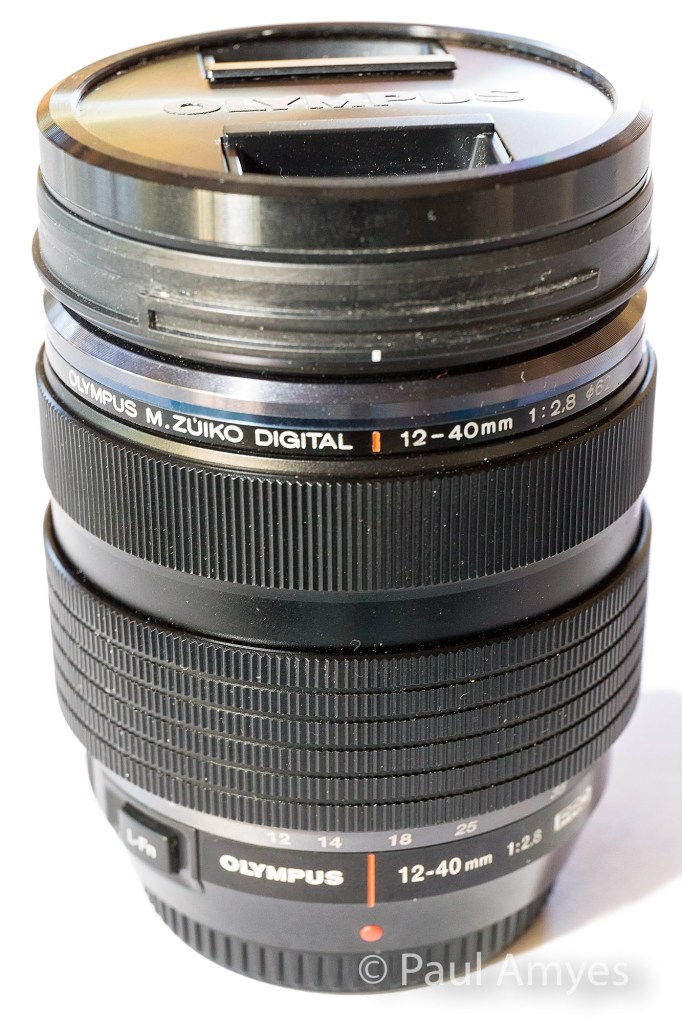
The Olympus m.Zuiko 12-40mm f2.8 Pro lens was announced as Olympus’ high end standard zoom in 2013 to accompany their then flagship camera the OMD EM1.


Built for the micro four thirds system this lens is equivalent to a 24-80 mm lens and that’s all the talk of equivalency you’ll get out of me, if you want more see this. The lens was launched at the same time as the EM1 in 2013 and it heralded a new line of “Pro” lenses. Of the three lenses here it is the only one with a metal outer construction and it has a splash proof and dust proof design. Its vital statistics are 84mm in length, a diameter of 69.9mm, has a filter thread of 62mm and weighs in at 382g. Not that it counts for much, but it feels nice in the hand and the manual focus clutch (reminiscent of the ones found on Pentax’s 645 range of lenses, is a very nice touch. Optically there are 14 elements in 9 groups – there are 1 aspherical element, 1 dual-sided aspherical element, 2 ED glass elements, 2 HR glass elements, 1 EDA glass element, 1 HD glass element. It is the most optically complex lens of the group. For bokeh aficionados there are 7 rounded aperture blades. The minimum focusing distance is 0.2m.


At the wide end the centre of the image is what you’d expect from a modern zoom, it is sharp and contrasty. At the edges the image is still sharp but the contrast has fallen off a little giving the appearance of softness. The chromatic aberration (CA) is very apparent. At the long end in the centre the image is still sharp but the contrast is lower than what we found on the wide end. The edges exhibit a little softness. The CA virtually non-existent. The results from the long end caused me a little consternation as it was the first time I’d seen images without any in camera correction applied so I repeated them just be sure and got exactly the same result.

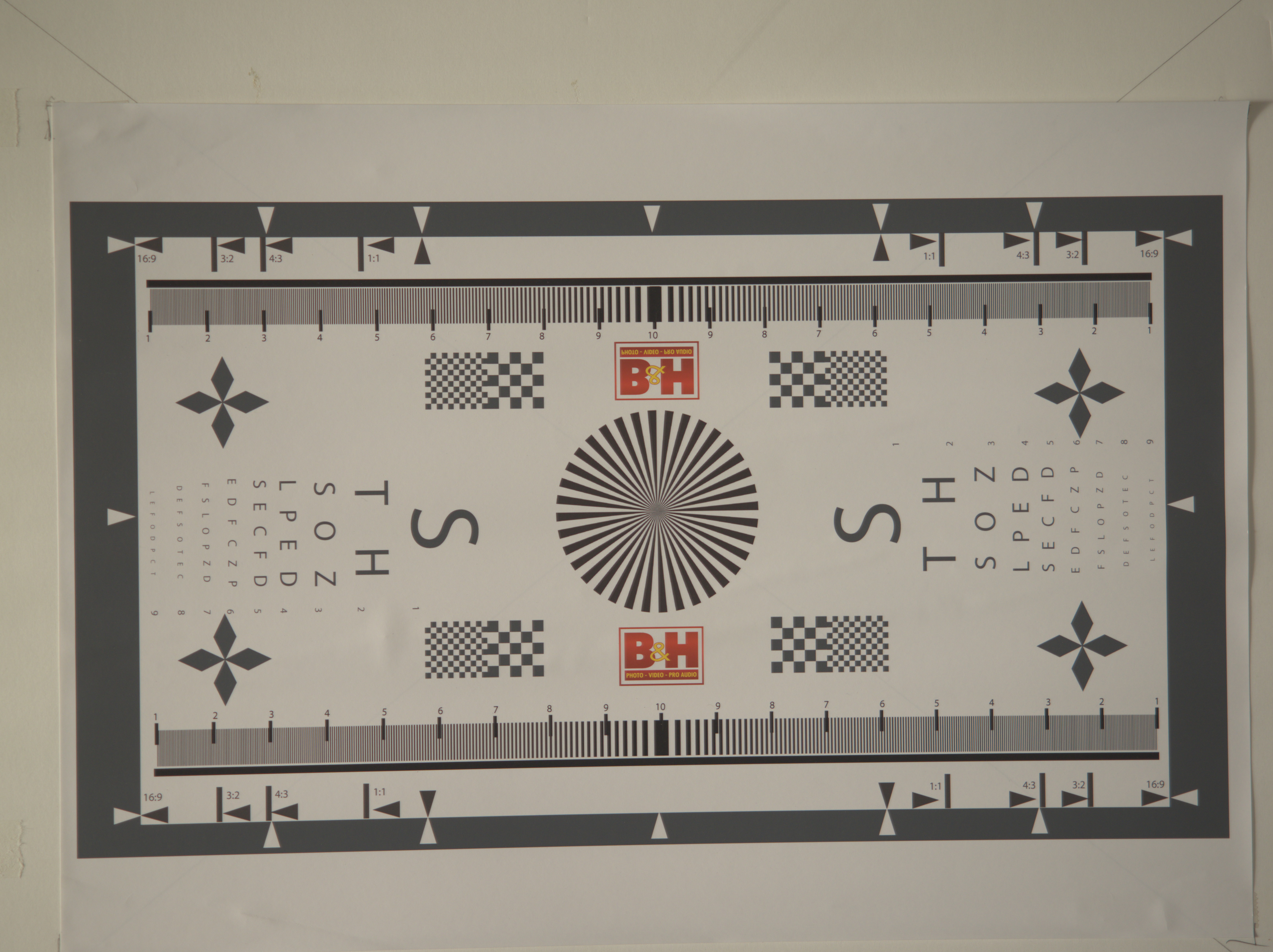
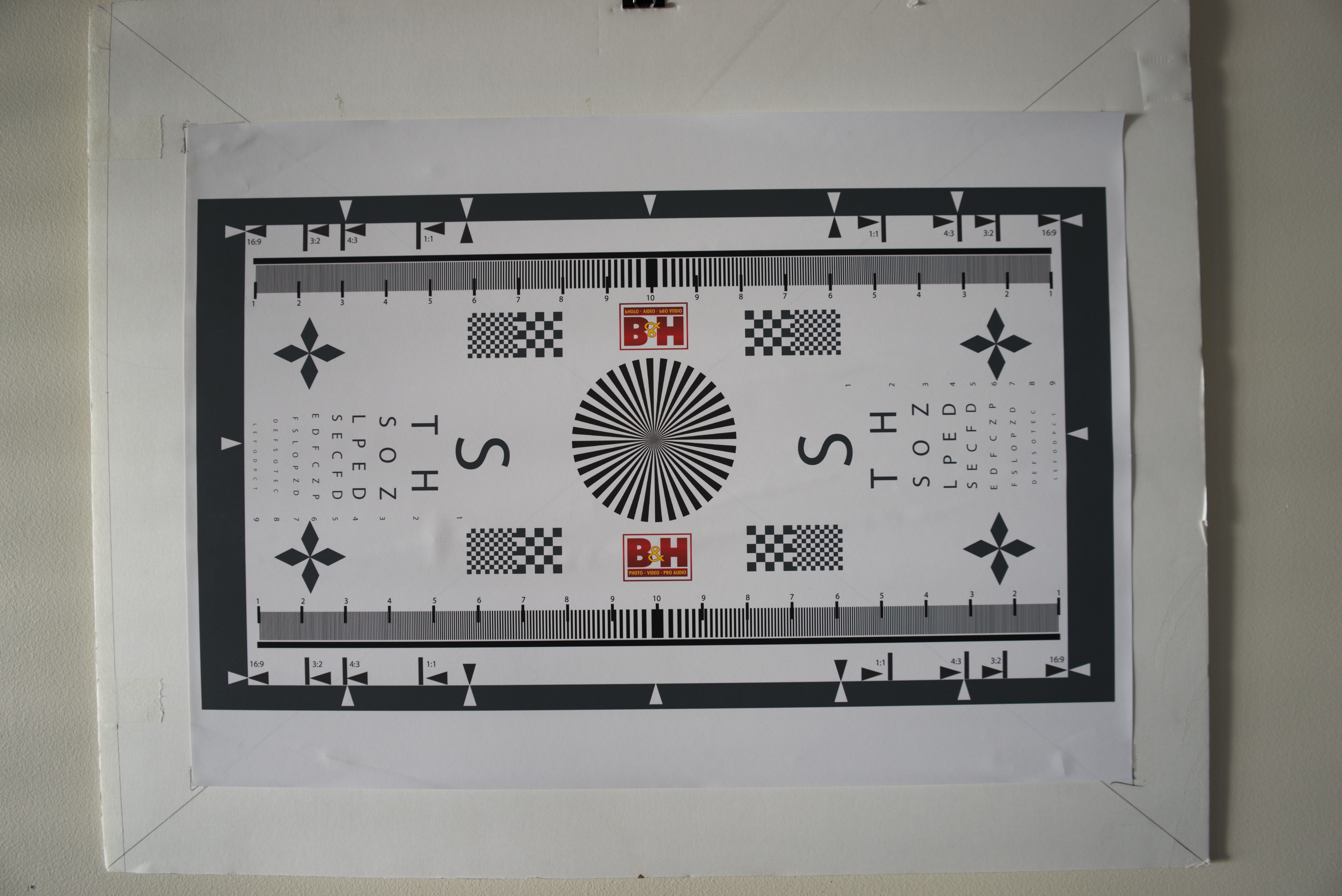
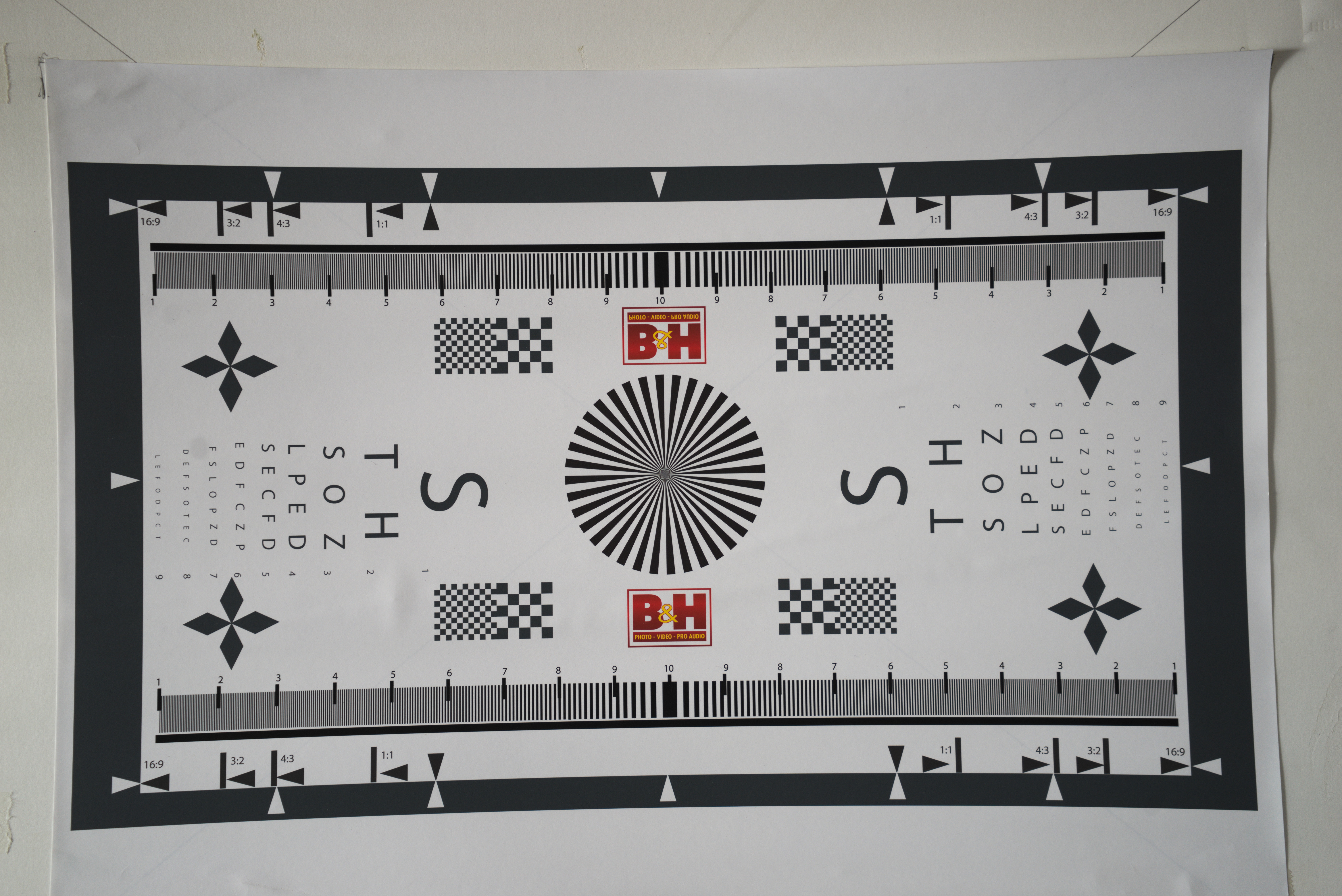
The lens resolution chart shot at 12mm wide open to show any vignetting or lens distortion.


Testing for vignetting and distortion I found that the lens exhibited marked vignetting and barrel distortion at the wide end at f2.8. The vignetting had disappeared on stopping down to f5.6.


This time at 40mm wide open.

At the long end there is only slight vignetting and very mild pincushion distortion. What is interesting is that there is significant variation in the exposure, remember these were metered using a handheld incident meter. The long end is nearly a whole stop darker than the wide end. This shouldn’t happen with a constant aperture zoom.


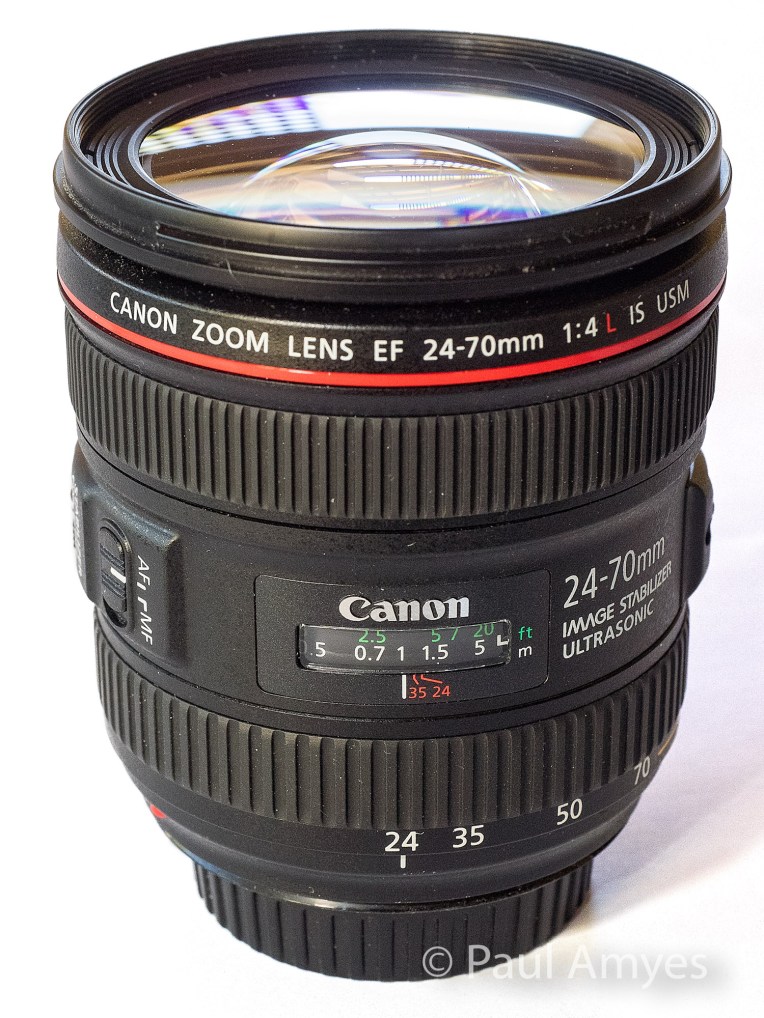
Canon EOS6d with Canon EF 24-70mm f4 IS L lens

The Canon EF 24-70mm f4 IS L lens was introduced in 2012 as Canon’s budget (if that term can be used at this price) L series standard zoom lens.


This is the most expensive lens in the group with a retail price of around $1200 AUD. It is also worth pointing out that this is the budget standard zoom in Canon’s L range. This lens was introduced in 2012 and was intended to be a kit lens for then newly announced Canon EOS6d. The body is made of some variant of ABS plastic which is somewhat disappointing considering the price, but with a weight of 600g it has a satisfying heft. The optical construction is 15 lens elements in twelve groups with 2 aspherical and 2 UD elements. The aperture diaphragm is comprised of 9 rounded blades. Unsurprising it is the biggest lens of the trio being 93mm long, 83.4mm in diameter and has a 77mm filter thread. Image stabilisation is built into the lens and is good for four stops. The minimum focus distance is 0.38m, but the lens has a rather nifty macro feature where you press a button and turn the zoom ring and that takes it down to 0.2m and a maximum magnification of 0.7x.

At 24mm the centre of image is extremely sharp and contrasty and the edges are the same. At the tele end it is a repeat. Chromatic aberration is non-existent at both extremes.

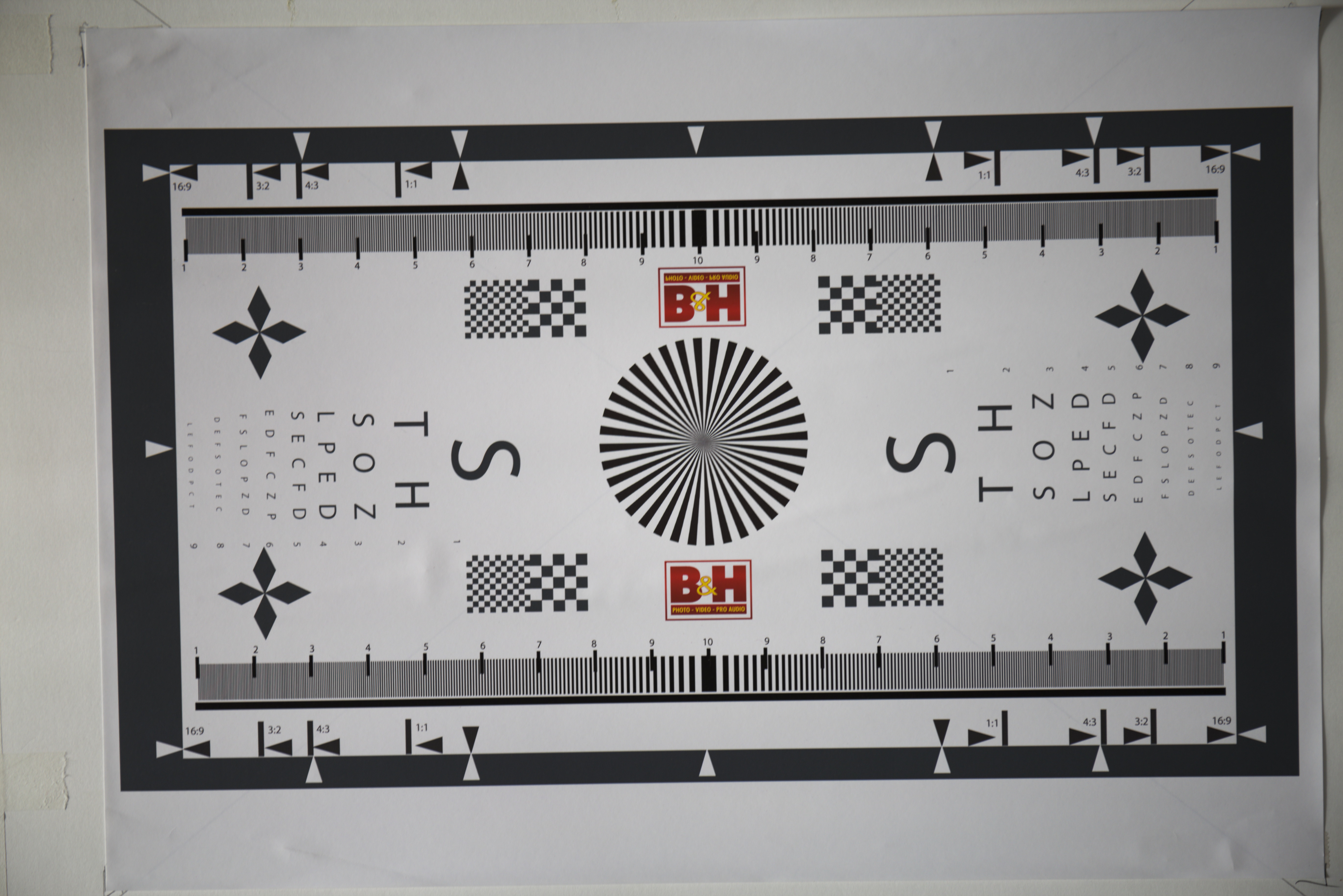
The Canon EF 24-70 f4 IS L at 24mm wide open


Shooting wide open at 24mm vignetting is very apparent, I would say that there’s probably 2 stops difference between the corner and the centre. The barrel distortion is not excessive but is noticeable. At 70mm a small amount of vignetting can be seen and there is some mild pincushion distortion.


The Canon EF 24-70mm f4 IS L at 70mm wide open.

Sony A7r with Sony FE 28-70mm f3.5-5.6 OSS


The Sony 28-70mm f3.5-5.6 OSS was introduced in 2013 as the budget kit zoom to accompany the Sony A7 mirrorless camera.


The joker in the pack and the cheapest on test at just under $350 AUD, and boy when you pick this one up it certainly feels like it. When I originally wrote about it on 3rd July 2016 I was very skeptical of its durability, well nothing adverse has happened to mine, but, Kirk Tuck wrote today that his met a tragic end courtesy of a dog’s tail and a hard floor. Well what do get for your $350? Well unsurprisingly at this price point this is largely made of plastic – the cheap kind – and is very light coming in at 295g. There’s not a lot of glass either just 9 elements in 8 groups made up 1 extra low dispersion and 3 aspherical elements. The simpler optical design and low price makes this the only variable aperture lens in the test group. The aperture diaphragm is made up of 7 blades. Size wise it is a compact 83mm long, has a diameter of 72.5mm and has a filter thread of 55mm. The plus points are that it is dust and moisture resistant, has built in image stabilisation, has a respectable minimum focusing distance of 0.4m and comes with a lens hood. As an aside I believe that every lens should come with a hood.


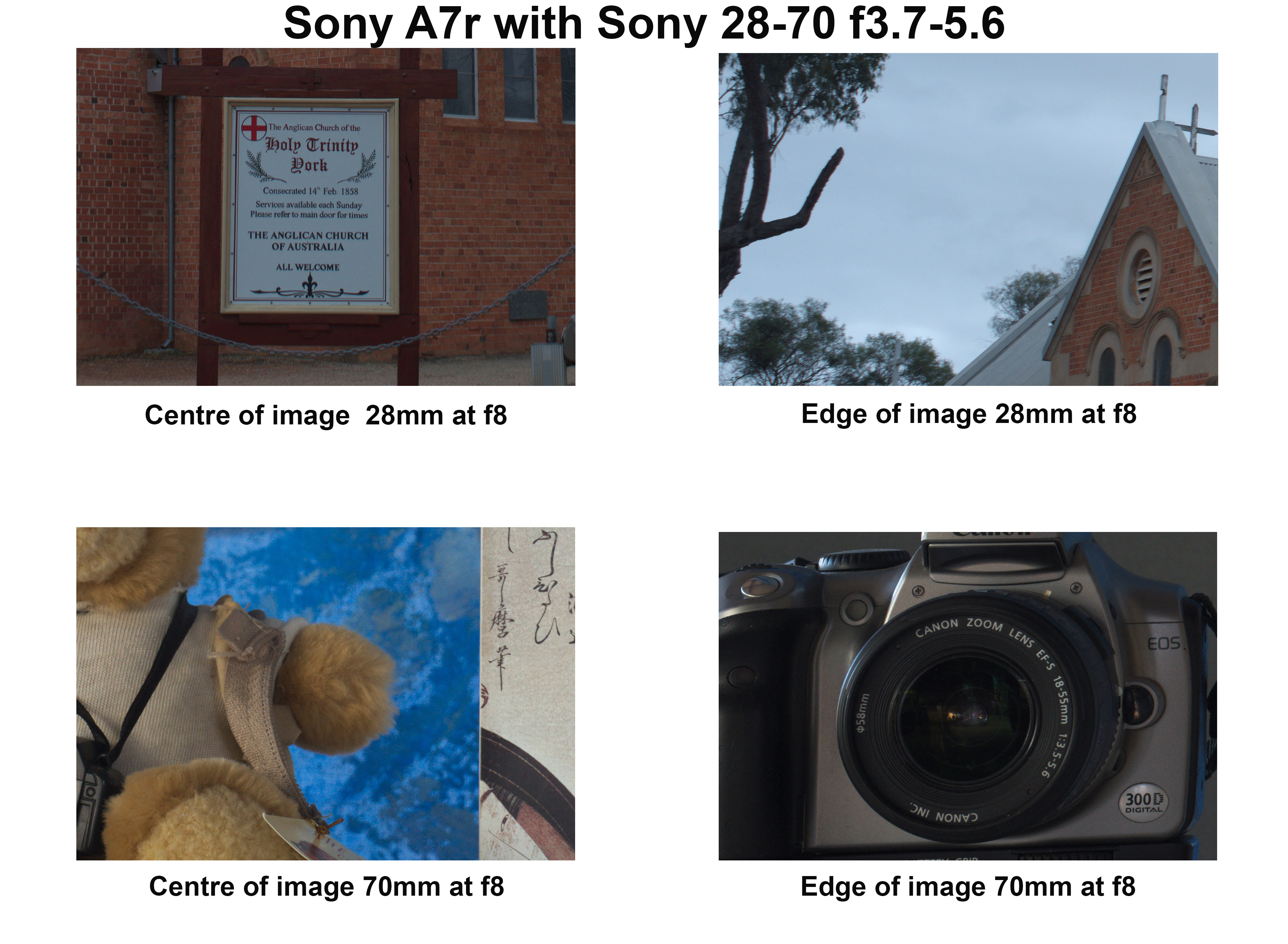
At 28mm the lens is again just like any other modern lens – sharp and contrasty. At the edges there is a drop off in contrast but they remain sharp. Chromatic aberration is very well controlled and easily fixed in Lightroom. The slow variable aperture means that vignetting is not a problem and there is only slight barrel distortion. At 70mm the centre is sharp and has good levels of contrast, the edges are sharp with a slightly lower contrast. There was also some evidence of coma. Again very little vignetting and a slight trace of pin cushion distortion.

The Sony 28-70mm f3.5-5.6 OSS lens at 28mm wide open.


The Sony 28-70mm f3.5-5.6 OSS lens at 70mm wide open.


Conclusion

So is the Olympus 12-40 the Canon killer that Chris Corroding says? Well without in camera software correction it is only just a bit better than the Sony which is half the price. It is the correction that elevates this lens to very good. Having said that the Canon 24-70 f4 is probably one of their very best zoom lenses and produces very good images straight out of the camera. Apply the Lightroom lens profile and it is even better. Is that surprising? No considering its cost I would hope it be optically very good. This is the rub – for $350 AUD you get a surprisingly good lens with the Sony and most people would be very happy with it. The Olympus at $870 AUD sees some significant improvement. The Canon at $1200 AUD sees only incremental improvement over the Olympus. The law of diminishing returns is very clearly at work here.

When it comes down to sensor performance the Sony A7r rips the head off of the EM1 and EOS6d and spits down the stump. I have been amazed by how well it performs – the dynamic range is very, very good, the lack of an anti-aliasing filter means that with good lenses insane amounts of detail can be rendered, and the high ISO performance is also very good. The Canon EOS6d’s sensor is capable of very nice colour rendition, especially skin tones, but it is not the best when it comes to dynamic range. It is what I’d call workman like. For the Olympus EM1, well the dynamic range is very good, high ISO performance not so. The lack of anti-aliasing filter helps you get the best out of the lenses. I really like my m4/3 Olympus cameras and lenses, I use them more than anything else, but I really feel that the sensors are holding them back. I’ve yet to get any long-term usage out of the new 20Mp sensor that is found in the EM1 Mkii, but I do think that if they got access to the latest BSI sensors from Sony and reduced the base ISO to 100 that there would be quite a sizeable performance boost. But all this is moot as all three are capable of excellent results if I do my part.

It is important to remember that I only have access to one of each lens so I have no idea of what the sample variation is for any of them. What does this all mean in terms of real world usage? Well I’ve used my Olympus 12-40 far more than the Canon 24-70 and I am more than happy with how it performs. I hardly ever use the Sony 28-70 as I only really use the A7r with legacy lenses.